Asset Management
Optimize your asset management with CMDB software
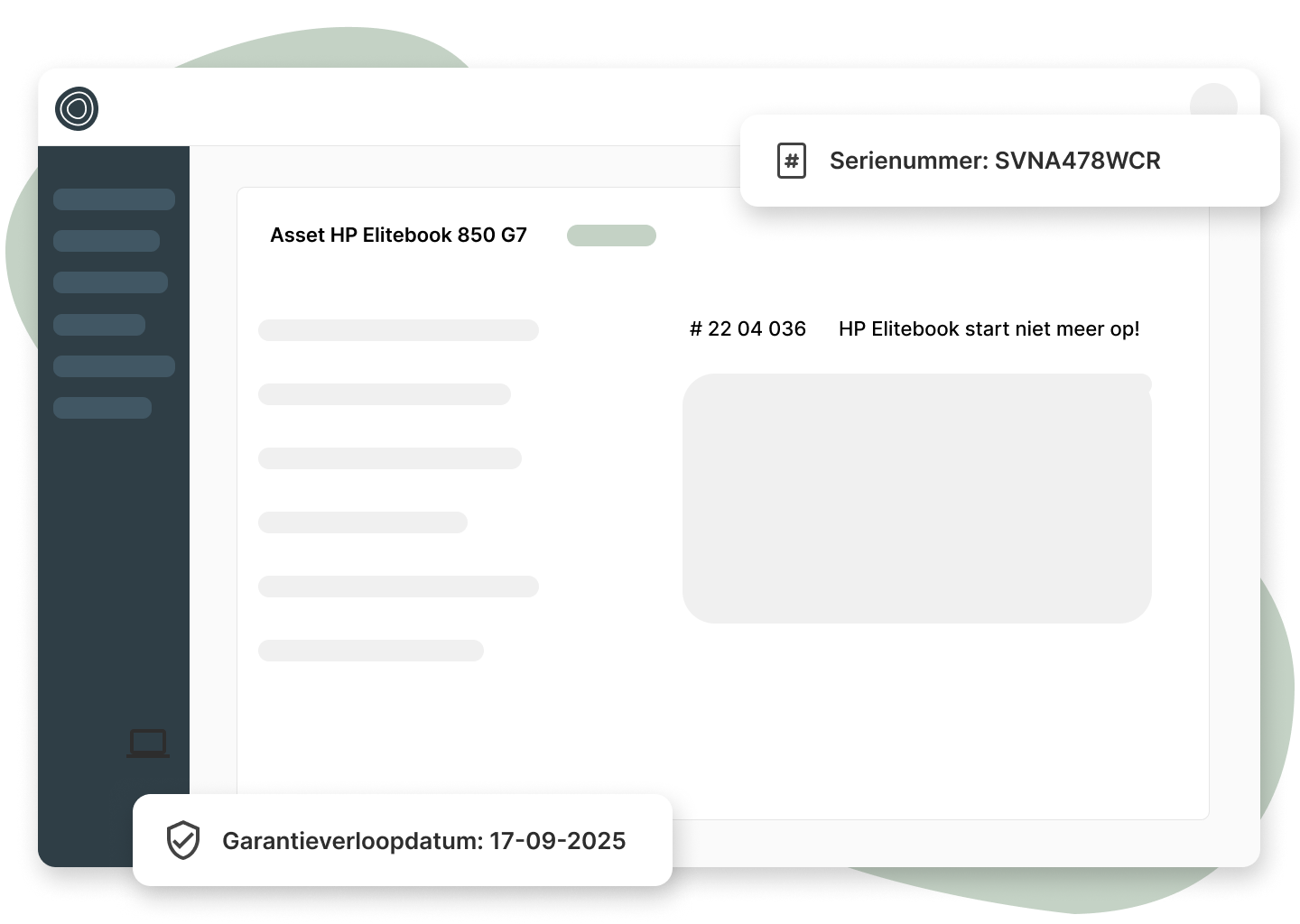
Register all assets so you can view their history and know when to replace hardware.
Register all assets so you can view their history and know when to replace hardware.
Create custom asset categories with custom fields per category.
Add notes and attachments to assets to build a complete history.
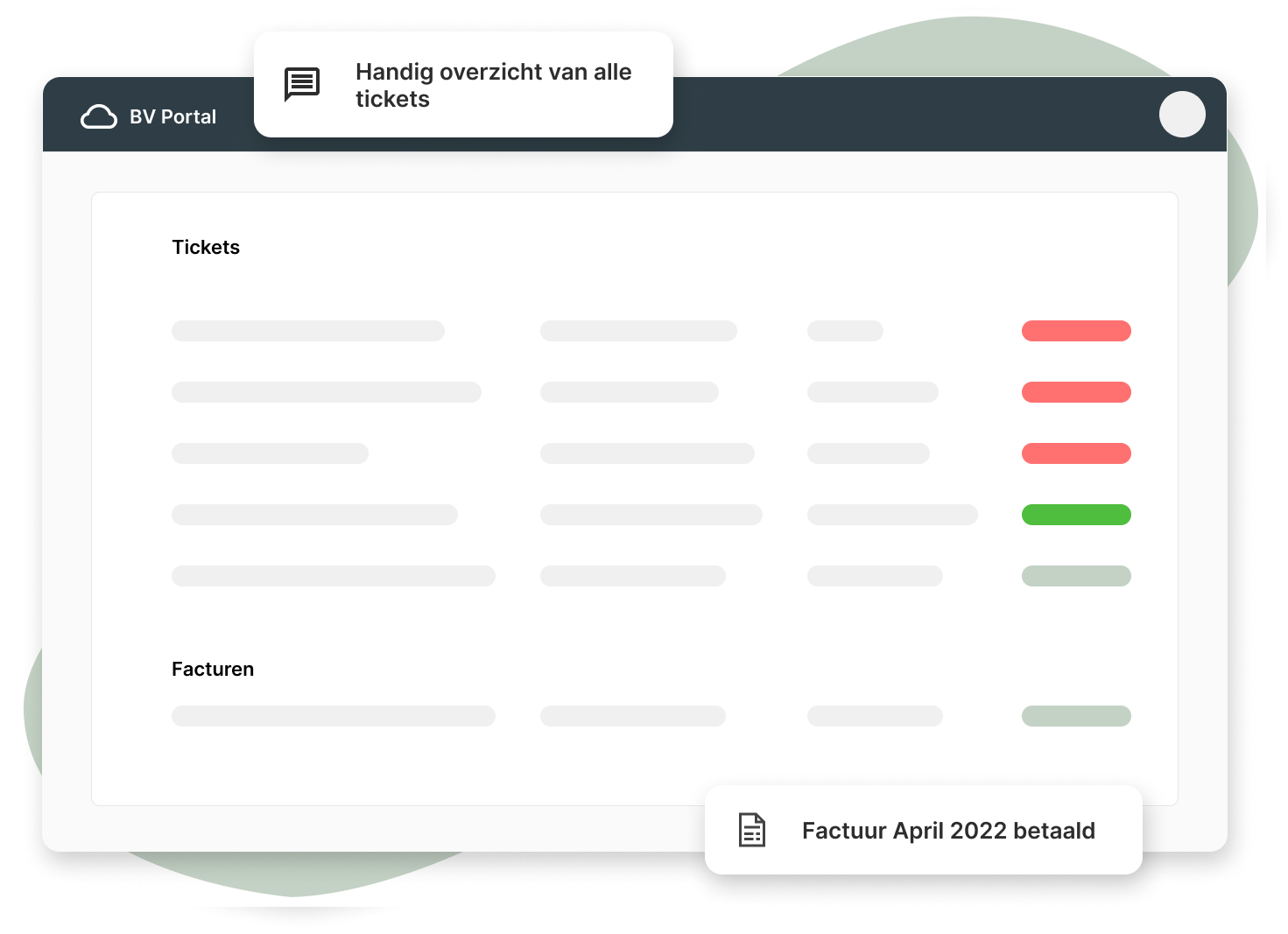
Have alerts sent to your support address, and Inserve automatically creates tickets from them.
Link tickets to assets so they're easy to find later.
Have alerts sent to your support address, and Inserve automatically creates tickets from them.
When switching platforms, we can do a one-time import of all your assets.
2 minutes and 36 seconds
We show how Inserve's CMDB software works and what you can do with it.
Want to see more?
Book a demo 🧑💻
At Inserve, we understand the importance of effective IT management. Configuration Management Database and IT asset management play a crucial role in optimizing business processes.
CMDB stands for Configuration Management Database, a central repository that stores all relevant information about an organization's IT infrastructure. It includes data on hardware, software, network components, documentation and the relationships between these items.
A CMDB serves as a valuable information source for IT administrators and teams. A well-maintained CMDB provides insight into IT assets and helps with managing changes, resolving incidents, and ensuring the quality of IT services. It offers a centralized and structured place to record crucial information about the IT infrastructure.
By mapping configuration items, their attributes and relationships, the software provides a holistic view of the IT environment. This allows administrators to quickly gain insight into the current configuration of the system, identify potential risks, and respond to changes and incidents in a timely manner.
CMDB is closely connected to IT Service Management (ITSM), an approach for delivering IT services in a structured and optimized way. CMDB serves as the foundation of ITSM and provides a crucial information source for various ITIL processes, such as incident management, problem management, change management, and release management.
By enabling an integrated approach to IT management, CMDB supports organizations in improving overall service delivery, minimizing disruptions, and optimizing operational efficiency.
ISO certification plays an important role in building trust with customers and stakeholders. A well-maintained CMDB plays an essential role in achieving ISO certifications, such as ISO 20000 for IT Service Management. CMDB enables organizations to comply with the required controls and processes demanded by ISO standards.
Within the ITIL framework, the Configuration Management Database occupies a central position. ITIL is a set of best practices and processes for IT management. CMDB is recognized as a core component of Configuration Management, one of the disciplines within ITIL.
The central repository acts as the hub. It provides a standardized approach to Configuration Management and supports other ITIL processes by supplying current and reliable data.
CMDB is critical for organizations striving for efficient and structured IT management. This includes organizations across various sectors, such as financial institutions, healthcare, manufacturing, retail, and more.
Whether it is a small business with a limited number of IT assets or a large multinational with a complex IT infrastructure, a central repository can help improve operational efficiency, minimize risks, and deliver reliable IT services.
Implementing and maintaining a Configuration Management Database brings several advantages. Some key benefits are:
The primary purpose of a Configuration Management Database is to facilitate Configuration Management in IT management. It provides a structured and organized approach to managing the IT infrastructure.
CMDB aims to promote an integrated approach to IT management, where various processes and teams collaborate to improve overall service delivery and deliver value to customers and stakeholders.
To support organizations in implementing and maintaining a CMDB, various tools and CMDB software are available. These tools offer functionality such as automatic discovery of configuration items, relationship management, change management, reporting and integration with other IT management tools. It is essential for organizations to choose the right tool that matches their needs, scale and budget.
A central repository consists of several essential elements that contribute to effective Configuration Management. Some key elements are:
Implementing and maintaining a CMDB comes with some challenges. Common challenges include: data accuracy, configuration item complexity and change management.
Maintaining accurate data in the CMDB requires ongoing effort. It is important to regularly check and validate data to ensure it remains current and reliable.
In complex IT environments, identifying and managing all IT assets can be a challenge. It is important to use a structured approach and ensure a thorough inventory of all items from various sources.
Implementing a CMDB can bring changes to the working methods and processes of IT teams. It is essential to involve staff, provide training and overcome resistance to change.
How do you keep the CMDB up to date? To ensure that a central repository remains current and usable, some best practices are:
Integrating CMDB software with other IT management tools is crucial to creating an integrated IT environment. Among others, you can integrate the following external data sources:
By integrating with other IT management tools and external sources, organizations can improve efficiency, streamline processes and gain valuable insights.