Book a demo
Inserve service software

Ticketing Software

Control over support. Less hassle. All requests in one system.

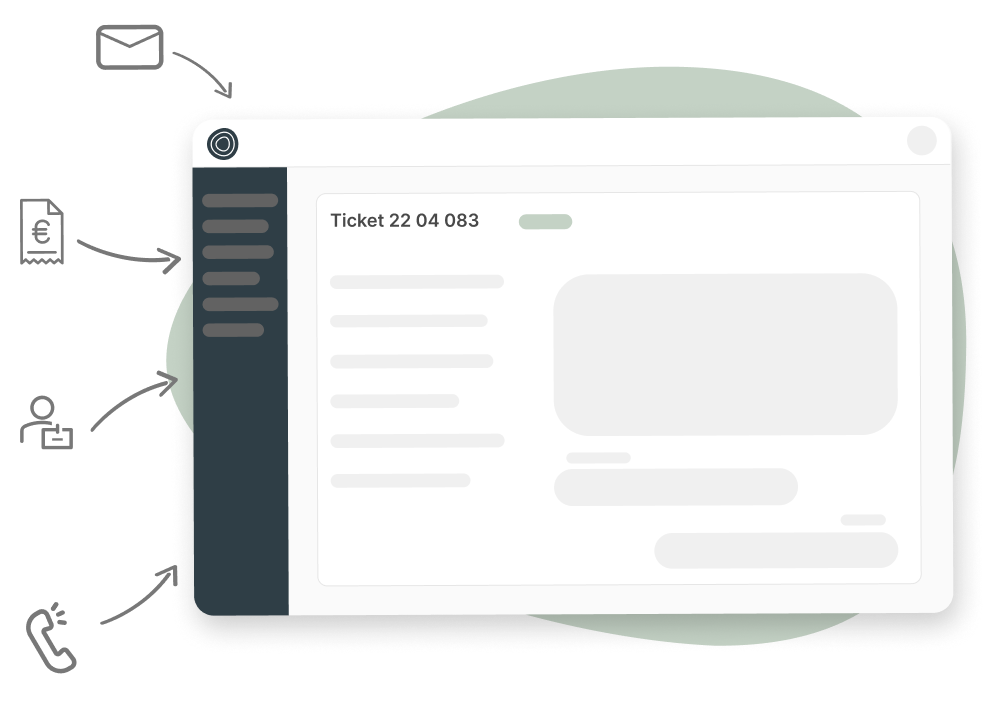
With Inserve's ticketing software you handle support requests without detours. No loose emails, messy Excel lists or phone calls registered nowhere. Everything neatly in one system, fully tailored to IT service providers.
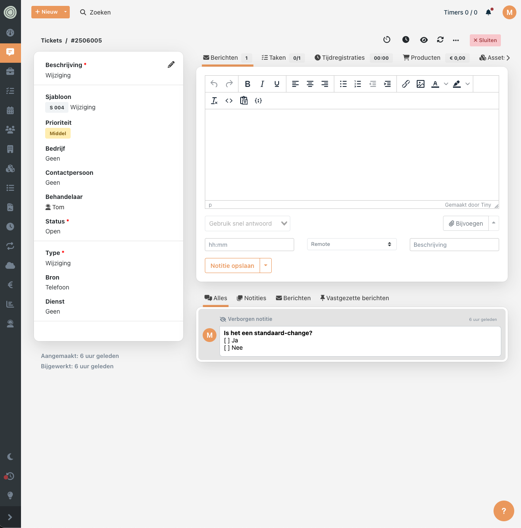
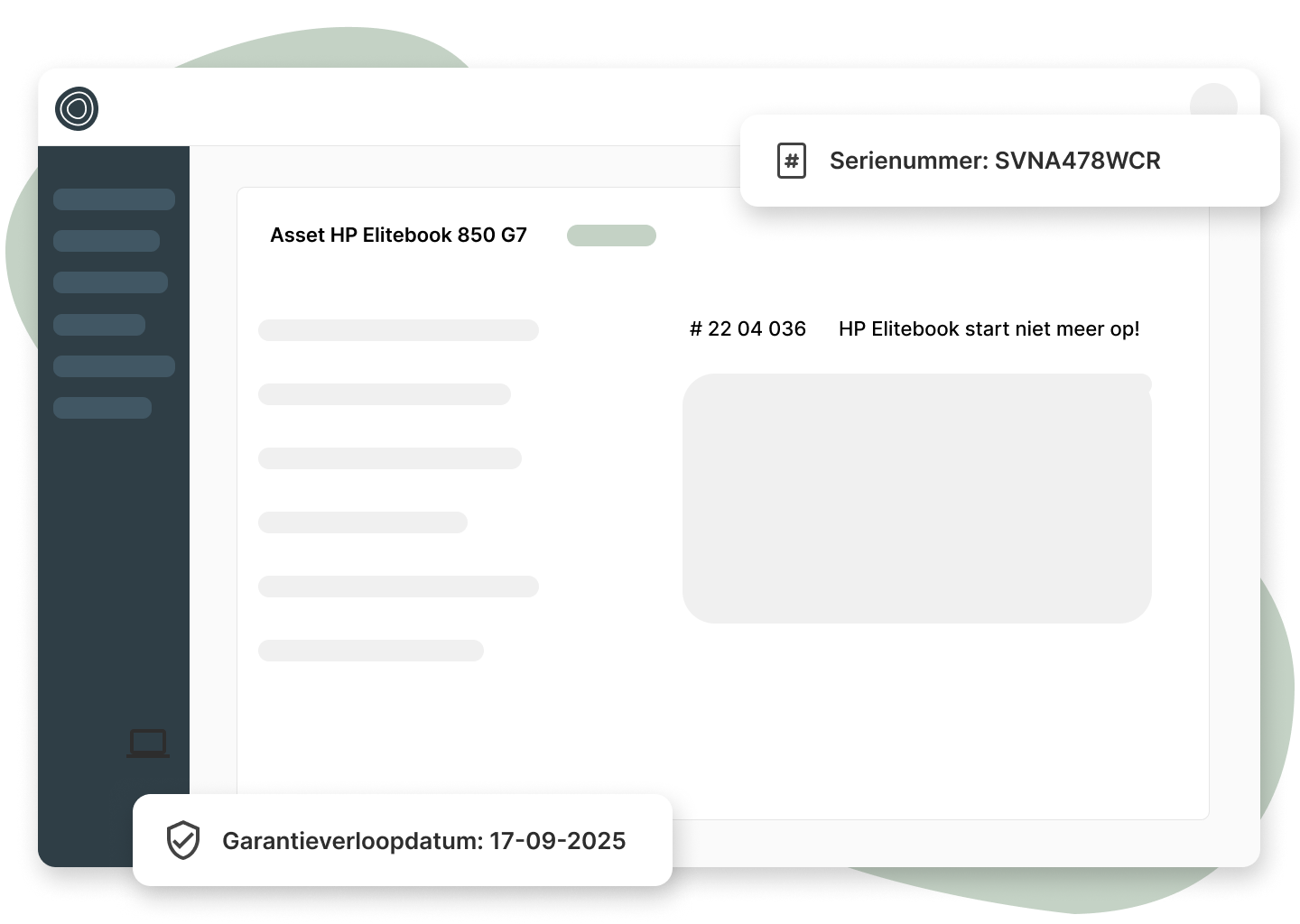
From request to invoice without the hassle.

➡️ No loose steps. No manual retyping. No forgotten requests.

Features that make working with our ticketing software easy 🚀

Email reading

With an IMAP or Microsoft Graph connection we read your support mailbox in real time.

Email sending

From Inserve you easily send messages to your customers in your house style from your own mail server.

Quick replies

Thanks to predefined replies with magic fields you save time in your service management.

(Recurring) templates

Create templates for repetitive tasks and have them automatically created periodically.

Your personal dashboard

Create your own ticket overview so it's immediately clear what you and your team need to work on.

Split a ticket into tasks

Add tasks that need to be completed to a ticket. Tasks can be assigned and scheduled, just like tickets.

Receive notifications

Receive notifications of important events in-app or via email. You can personalize this of course.

SLA module

The Service Level Agreement module tracks response and resolution times and gives timely warnings when agreements are breached.

❌ Common mistakes in ticket management (and how to avoid them)

Mistake Consequence Solution via Inserve
Tickets stuck in mailbox Forgotten requests, slow follow-up Automatic tickets from email and customer portal with automatic assignment
Not setting priorities Fire-fighting instead of planning Automatic priority & SLA linking
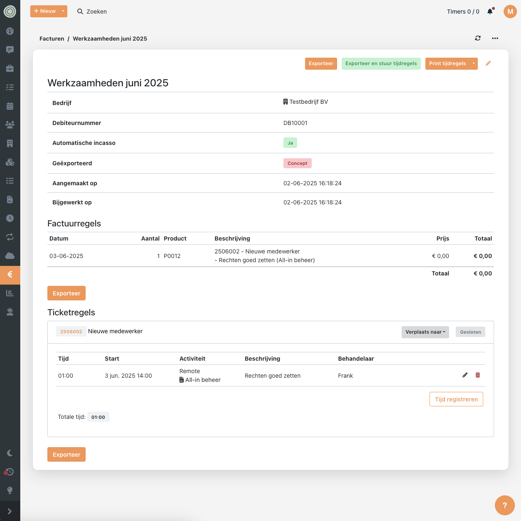
No time tracking Unpaid hours, vague discussions Automatic time tracking linked to tickets
Tickets not linked to contract Incorrect billing, missed revenue Automatic contract linking (hour blocks, custom rates — it all works)

✅ Best practices from customers using our ticketing software

Digistate Inserve case study

"Thanks to ticket-based time tracking, our time registration is now much more accurate. In the past a ticket was handled and time was registered separately. Often this was forgotten. We lost a lot of billable hours as a result. With Inserve our billable hours are around 10% higher than before."

DigiState logo

Marin Heideman

CEO DigiState

"Instead of back-and-forth emails and then creating a ticket, you do it all in one action. That makes it easy to find things back later and the ticket can easily be picked up by a colleague."

DigiState logo

Ronald Vrijenhoek en Sander Broeze

Founders Connectium

Connectium Inserve case study

Want to know more about Inserve?

In 30 or 60 minutes we'll explore together whether Inserve fits your service delivery.

Book a demo
  • No strings attached
  • Directly with a product specialist, not sales
  • Get answers to your questions right away
See the entire workflow in action 🍿

10 minutes and 56 seconds

We explain the workflow in Inserve - from ticket to invoice.
Want to see more?
Book a demo 🧑‍💻

See our SLA module in action 🍿

5 minutes and 47 seconds

We explain how to set up and track SLAs in Inserve.
Want to see more?
Book a demo 🧑‍💻

See our (recurring) templates in action 🍿

5 minutes and 5 seconds

We explain how to use templates for recurring tasks.
Want to see more?
Book a demo 🧑‍💻

Related modules for ticketing software 💪

Frequently asked questions about a help desk system for MSPs

IT service providers are an essential partner for many companies in keeping their business running. Good workstations, phone connections and internet are indispensable today. This means that when something doesn't work, the phone rings immediately. A good, efficient help desk system is therefore indispensable for your business. At Inserve we deliver software for IT service providers.

We answer a number of frequently asked questions so you get a good picture of help desk systems and understand important relevant terms:

What is a help desk system for MSPs?
A help desk system helps MSPs and IT service providers to record, manage, follow up and invoice customer requests, support queries and incidents in a structured way.

In broad terms, an IT help desk system is a form of customer relationship management (CRM) software. It is the best way for an organisation to track which support requests are opened and which problems have been resolved by IT technicians. The usage data the system produces can be used as input for capacity planning, help desk staffing, performance evaluations and SLA calculations.
Why is a help desk system important for IT service providers?
Because without one you quickly lose oversight, SLA agreements are hard to monitor and your support team works inefficiently. You also prevent revenue loss because hours are registered automatically.

The help desk system keeps track of all processes that matter for good customer service — handling questions and complaints, assigning tasks, tracking hours, invoicing and following up on projects. You manage everything from a central platform, so you never lose the overview.
How does a help desk system differ from a regular mailbox?
A help desk system provides structure, assignment, priority and follow-up. In a mailbox, requests can get stuck, go missing or be forgotten. You can add some structure to a mailbox using folders or colours, but that is not a watertight system.
Can I automatically link tickets to customers and contracts?
Yes, in Inserve every ticket is immediately linked to the correct customer record, service contract and SLA. This way you always invoice correctly and without manual work.
How does the help desk system assist with SLA monitoring?
You can automatically prioritize tickets and link them to SLAs. This way you see at a glance which tickets are urgent or at risk of breaching their deadline.
Is it possible to automatically convert notifications into tickets?
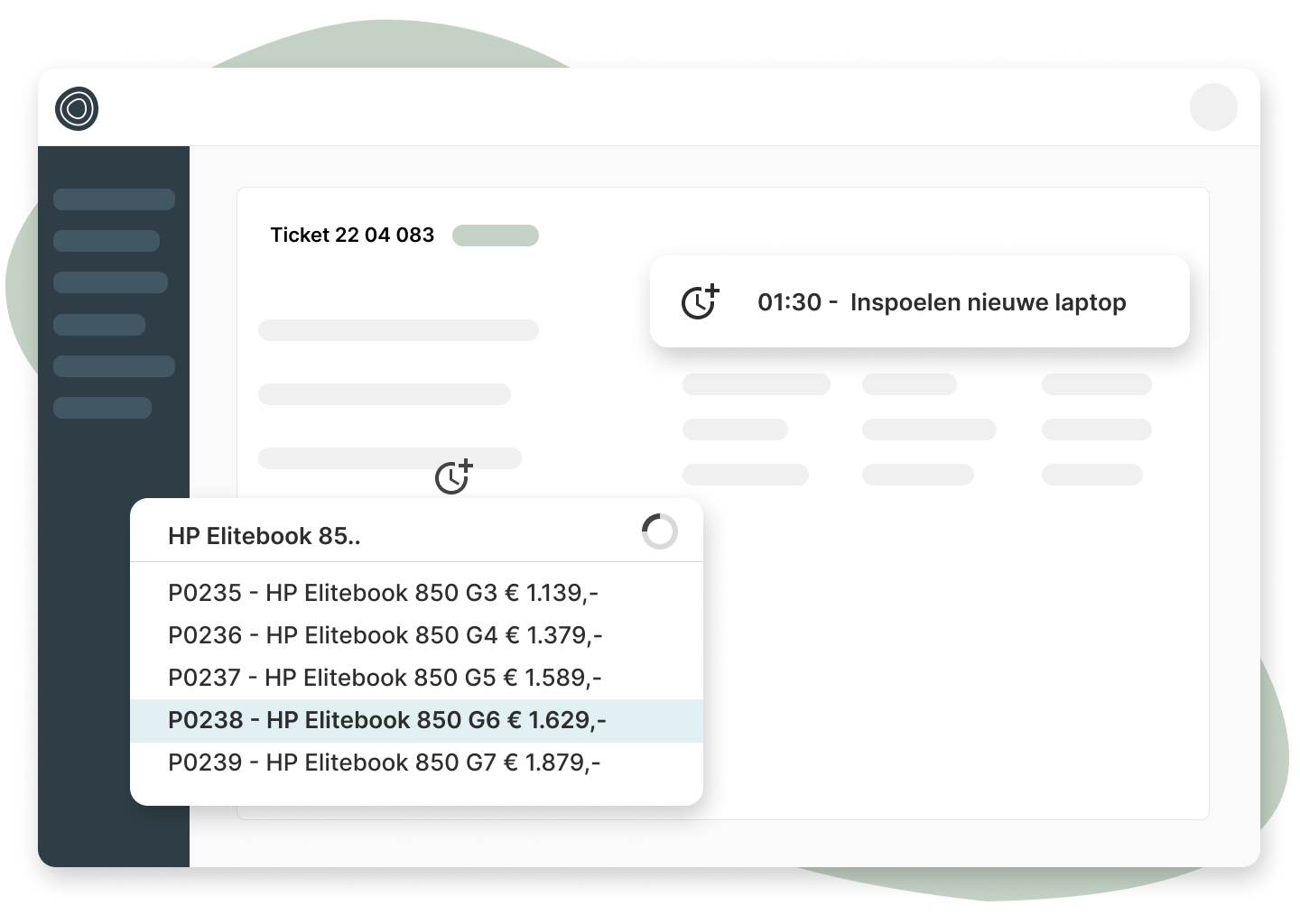
Yes, notifications via email or the customer portal are automatically converted into tickets, including all relevant information. If a customer calls with a question, our VoIP integration lets you quickly create a ticket from that call with as much information filled in automatically as possible.
How do I track time on tickets?
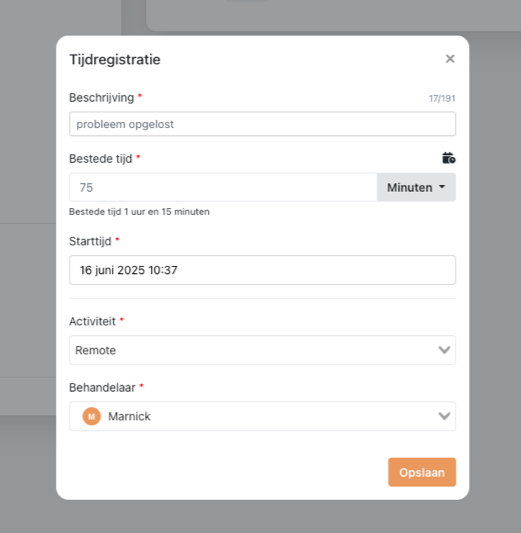
Inserve automatically tracks time while you work on a ticket. You can of course also add hours manually. Everything is immediately processed into the draft invoice for the customer.
Is the help desk system also suitable for recurring support tickets?
Yes, in Inserve you can use templates for common requests. You can schedule recurring tasks by having such a template automatically created periodically in the system.
How does the help desk system help reduce support pressure?
By using the customer portal for requests, making use of templates, maintaining a good overview and better prioritization, your support team keeps a clear picture of the workload and you avoid duplicated or unnecessary work and loose update emails to customers.
Can I create reports on tickets and support performance?
Yes, you can create reports on tickets, response times, SLA compliance and more. With our read-only MySQL database of your environment you can connect to your favourite BI tool and build any report you need.
What does a help desk system cost for IT service providers?
Inserve uses a per-user licence model. Most customers pay € 61 per user per month. See our pricing page for an overview and calculator.
What is ticketing software?
Ticketing software is a term used for all kinds of ticketing systems. These include tools specifically designed for IT service providers and for companies that want to streamline their own IT processes. There are many criteria to consider when choosing a help desk ticketing system, such as the initial costs and maintenance costs. It is also important that your employees can quickly find their way around the features of the ticketing system.
What is ticketing software?
With the right ticketing software you can let your customers and employees submit and track a request. A ticket is created when a problem needs to be solved or when a new task is ready. Think for example of installing new equipment, setting up internet access or creating a new employee account. All these tasks can be neatly streamlined as processes.
What does incident management entail?
Whenever something in IT does not work as it should, it is called an incident. If you have set up a well-structured IT support process with clear roles and responsibilities, most incidents will be resolved quickly by the responsible technicians. This allows you to deliver optimal service to your customers and compete better with other IT service providers. The speed at which you handle incidents is often decisive for companies in choosing you as their IT service provider.
What types of ticket tools are there?
There are various types of ticket tools such as the ticketing system itself, reporting features, automatic invoicing and integrations & APIs. All these tools are important to consider when choosing an IT ticketing system. How well do the features work together, which tools do I need and how easily can my employees work with them? These are important questions to ask yourself.
What is multi-channel ticketing software?
Multi-channel ticketing is the ability to capture requests by phone, incoming emails, social media, live chat or from other mobile apps. SMS messages can also be captured, although these are of course rarely used anymore. You can manage multiple channels from one place and ensure that every request is quickly assigned to the right people. By displaying all tickets from multiple channels in a convenient interface, it becomes much easier to respond quickly. It is naturally possible to respond to customers via different channels from a central point.
What are the essential features of an online ticketing system?
The essential features of an IT ticketing software system are the management of incoming requests, automatic invoicing and integration with other systems. Most importantly, your employees must be able to find their way around these tools quickly so they can handle all issues as fast as possible.
Why use an online ticketing system?
When you are just starting out as an IT service provider you can usually keep track of all your customers' requests fairly easily. Everything is in your head or can be found in WhatsApp conversations or the mailbox. But as soon as more employees or interns are involved, it becomes difficult to track who has responded and acted on what. Common problems that arise then are losing overview and not being able to handle tasks and complaints in time. In that case a good ticketing system is indispensable. With a ticketing system you can track all your employees' hours per task and automate invoicing. By managing everything from a central platform you keep your processes structured and transparent. In the early stages of your business you can of course work fine with draft invoices or use a time tracker in Excel. But over time this can become a lot of manual work and therefore costs you more time and money.
What are the advantages of a ticketing system?
An IT ticketing system is not only suitable for the daily management of requests, but also offers opportunities to improve processes and customer satisfaction. You work via a clear workflow and record exactly who does what and when. This gives insight into how your organisation works and ensures that you can take better steps in the future to further optimise your service.

A number of important advantages of a ticketing system at a glance:

  • Better overview (no forgotten requests and direct follow-up).
  • Saving manual work.
  • A ticketing system gives a professional appearance.
  • Giving your customers insight.
  • Easy invoicing.

But I don't want my customers to become just a number!

A fair point. Of course you want your customers to be able to keep calling you normally, and not be forced to log in through a system to report something. That is not necessary. You can choose to what extent you require customers to use your help desk systems. This does not mean you cannot use a system internally to keep everything neatly tracked. And because you use a clear system, no requests fall through the cracks and the customer is actually helped better.

Also keep in mind that there are customers who prefer to submit requests in a streamlined way, and who appreciate seeing all their requests in one place rather than having to dig through a mailbox. For you and your customers this creates a win-win situation.

What is the best ticketing system?
The most important thing about a ticketing system is that as an IT support company you can oversee all processes and miss no steps. Always choose a system with simple and fast operation that makes optimal use of CRM features. This ensures that your customers can easily submit their requests and that you can process them quickly.
Who uses a ticketing system?
Many service providers use a ticketing system to manage their customers. The number of requests or tickets is increasing for many IT service providers. Competition in this sector is also becoming increasingly intense. Customer satisfaction and an optimal workflow are then often the key factors for success. Especially when you have multiple employees, a ticketing system is very effective for handling customer requests. Your employees will also find this very pleasant, as they have an overview of their work and can together improve internal processes.
What should I look for when choosing a ticketing system?
Of course it depends on each company what a ticketing system needs to meet. Below is a list of questions in random order, where you can decide for yourself whether they apply:
  • Can the system be self-hosted or hosted by the vendor?
  • If it is hosted, where is the data stored?
  • Is it still actively being developed?
  • Does the ticketing software fit my goals, company size and stage?
  • Can you switch easily? Think about importing data.
  • Can you leave easily? Think about exporting data.
  • How quickly can you get started?
  • Is there an API?
  • What functionality do you need? And do you want that in 1 tool or multiple tools linked together? Think about your CRM system, email marketing, ticketing, contract management, RMM, invoicing and accounting.
  • What are the costs and how are they calculated? Per user, number of customers, assets, integrations, etc.
  • Are there 'hidden' costs, such as consultancy, integrations, storage limits?
  • What kind of support is provided and in which language?
Below we go deeper into a number of these questions.
Self-hosted or vendor-hosted?
Self-hosting (on-premise) or having it hosted is a topic we receive many questions about at Inserve. Opinions on this are very divided! We ourselves have chosen not to offer self-hosting. This allows us to roll out updates for our customers in a straightforward way, without having to account for thousands of different configurations. Moreover, we can always provide a fast environment with excellent uptime.
What is self-hosting and vendor-hosting (on-premise)?
Self-hosting means that you install the ticketing software yourself on your own servers. You then have full control over security & storage and are responsible for availability. Hosted (on-premise) means that the ticketing software is installed on the vendor's servers. The advantage of this is that updates and maintenance are usually included in the price and applied automatically.

Cost comparison: self-hosting vs vendor-hosting

Making a cost comparison is difficult. For packages that offer both options you sometimes see a price difference, but it can go either way. In addition, with self-hosting there are 'hidden' costs, as server maintenance is likely carried out by your own employees.

Advantages of self-hosting:
  • Full control over infrastructure
  • Data remains under your own management
Disadvantages of self-hosting:
  • You are responsible for security, speed and updates
  • Updates can be more complex
  • Hidden costs (employees who need to manage it)
Advantages of vendor-hosting:
  • Outsourcing responsibility
  • Always up to date and fast
Disadvantages of vendor-hosting:
  • Dependent on a third party
  • Data not under your own management

Ultimately the choice is yours as to which factors you consider more important.

All-in-one or linking multiple packages together?
Whether it is wise to use one package for everything within your company, or to link multiple packages together, depends on a number of factors:
  • Industry: some industries have good industry-specific ticketing software
  • Company size: different departments often want to work with specific software
  • Requirements: larger packages have many features but tend to be less deep. Feature-specific packages are often very good at one particular task.
  • Current software: if you already use certain software for, say, your accounting or invoicing, you often only want to add software that also integrates with it.
Ultimately it is mainly personal preference, your wish list and the availability of industry-specific software that are decisive in your choice. So choose a help desk ticketing system that fits the needs of your business.
How does a good help desk ticketing system work?
At Inserve we always ensure that our customers can use the software easily. With our ticketing system it is important that you can respond quickly to questions and complaints. The software is simple and clear to use, because only in that way can you as an IT service provider deliver the best service to your customers. When a customer has submitted a ticket, you can see it in your work list. There you continuously see what is happening and who is working on it. Customers can also see for themselves which tickets are still open and approve invoices and quotes. This makes you transparent, which will contribute enormously to customer satisfaction. When someone creates a new ticket, the customer receives a confirmation. This prevents misunderstandings and you never fall behind. Good ticketing software therefore helps you to improve your business processes.

It is clear that there is no single golden rule in choosing ticketing software. So many people, so many wishes — and that certainly applies when choosing ticketing software too. What we do want to leave you with: make a choice, research, compare and create a trial account. Experience what works best for your business and above all choose an online ticketing system that contributes to better IT service delivery. After all, you want to handle all incoming questions well and as quickly as possible.