Book a demo

Product updates

Volg hier alle verbeteringen en updates aan onze software.

April 2026.01

Resolved

  • Autofill when adding a new product to a subscription works as expected again
  • Dragging attachments into input fields works correctly again
  • Open tasks in the planner correctly link through to the corresponding task in the ticket

Improvements

  • Archived contacts are no longer shown in overviews, resulting in a cleaner and more organized view

March 2026.01

Major front-end update completed

We have completed our front-end (the part of Inserve that runs in your browser) update. This was an enormous project, but was necessary to move forward. Many thanks for reporting all bugs and for your patience with the fixes. All customers have now been migrated, so we can focus again on a single codebase.


Small improvements

We didn't just work under the hood — we also took the opportunity to include some improvements.

  • Inline editing of custom fields in tickets
    You can enable this under Settings > Service > Ticket fields and then under Quick editable

  • New columns in subscription lines
    Quantity and price now directly visible in the overview.

  • Scaling text editor

  • Timer button and notifications visible on mobile

  • Easier to add contact persons from a ticket

  • Columns are no longer truncated

  • e-Boekhouden: retrieve and send payment terms


Resolved issues

We have also addressed a number of annoyances:

  • Time entries on archived tickets are no longer possible
  • Templates no longer unintentionally fill in your ticket description
  • Custom fields work correctly in cockpit widgets
  • Drag & drop works again in the planner on mobile
  • Various fixes for mobile use and dark mode

January 2026.01

New: Cloud Factory integration

After a long period, we have finally realized an integration with Cloud Factory. You can activate it by following the guide.


Notifications and email

  • New ticket notifications now also work correctly for users who are only allowed to view their own tickets.
  • When send-as permissions are removed from a mailbox, you will now immediately receive a notification. Messages in Inserve will be marked as unsent in that case.
  • The email to link a calendar is no longer incorrectly sent multiple times.
  • Replying with emoji reactions to emails from Inserve has been disabled.
  • You will now receive a notification when a connection with a cloud distributor expires.

Tickets and tasks

  • The "Send message and close ticket" button is now disabled as long as there are open tasks.
  • In Billing > Open lines, all lines are now always shown. Previously, some results were occasionally missing.

Billing and quotes

  • Invoice lines now support additional dynamic fields, such as the contact person.
  • The correct period is now always used with ALSO.
  • Quotes can no longer be accepted multiple times.
  • With an incorrect email address in Exact, an invoice could be exported but not sent. This behavior is now clearer and more consistent.

Integrations and connections

  • Problems with expired refresh tokens at Teamleader are now handled more gracefully.
  • CSV imports can no longer be executed twice when the mail configuration has not yet been completed.
  • The subscription import from WeFact has been updated so that subscriptions with multiple lines are correctly supported.
  • Invoice lines with a period are sent to WeFact using the period function.

Management and stability

  • Companies that are linked to other objects can no longer be deleted.
  • Subscriptions with an end date of today or in the past can be saved correctly again.

December 2025.01

Copaco integration
After a long period, we have finally realized an integration with Copaco. You can activate it by following the guide:
https://docs.inserve.nl/nl/article/copaco-beta

New e-boekhouden connection

We have worked on a new connection with e-boekhouden. The advantage is that we can now also include a subject on an invoice, which was not possible with the old connection.


Bug

  • A contract could incorrectly create a new period. This had no impact, but could display incorrect data.

November 2025.01

Migration to Rootnet and a fresh infrastructure upgrade

Over the past period we have successfully moved Inserve to our new hosting partner Rootnet. This was not just a technical task, but a significant step forward in stability, security, and performance.

We are now fully running on the latest versions of Laravel, PHP 8.4, and MariaDB, resulting in a more modern, faster, and future-proof environment.

Security & Compliance

Rootnet provides a solid foundation in terms of security, including:

  • ISO 9001 & 27001
  • NEN 7510
  • ISAE 3000 TPM
  • Hosting and data processing entirely within the Netherlands (at BIT as always)
  • DDoS protection via NaWas
  • GeoBlocking
  • Active malware scanning

All to ensure your data remains secure and the environment meets the highest standards.

Performance: a significant leap forward

The migration has had an immediate impact on speed — and not just slightly:

From an average of ~340 ms to ~50 ms response time. This improvement is noticeable throughout the entire application.

Resolved issues

Inconsistent sorting in tables
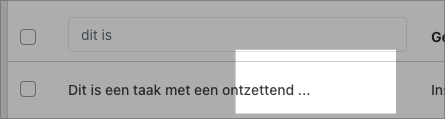
When automatically reloading the table view, records could appear in a different position, which was not exactly restful for the overview. This behavior has now been properly stabilized.

Why this upgrade matters

With this transition, we are laying the foundation for the years ahead. Faster, more secure, more stable, and ready for continued development.
October 2025.01

New functionality

  • Logging hours retroactively becomes a lot more enjoyable based on your feedback. When you add a time entry with a start time that is after the end time, it will no longer be overwritten with the end time.
  • Quotes can now be viewed directly in the browser, without having to download a PDF first.

Bugfixes

  • Link to large attachments now always works correctly.
  • Changes to the size of cockpit widgets are now saved correctly.
  • Quick filters can now safely be added and removed from widgets.
  • When you were known to a customer as a handler and had the user sync active, your handler account could be overwritten.
  • Quick filters can be deleted again.
  • Pax8 authentication issue resolved.

September Update

Bug fixes & improvements

  • Moneybird: Contacts are now always synchronized correctly, even when a debtor has not yet been updated
  • Moneybird: Synchronization now also works correctly when multiple contacts share the same email address
  • NinjaOne RMM: Warranty dates are now set automatically
  • Direct debit: The display in the subscription overview has been restored. It could previously show an error
  • Tickets: Two columns are now available — one for registered hours and one for billable hours
  • Messages: Duplicate display after sending a message has been resolved

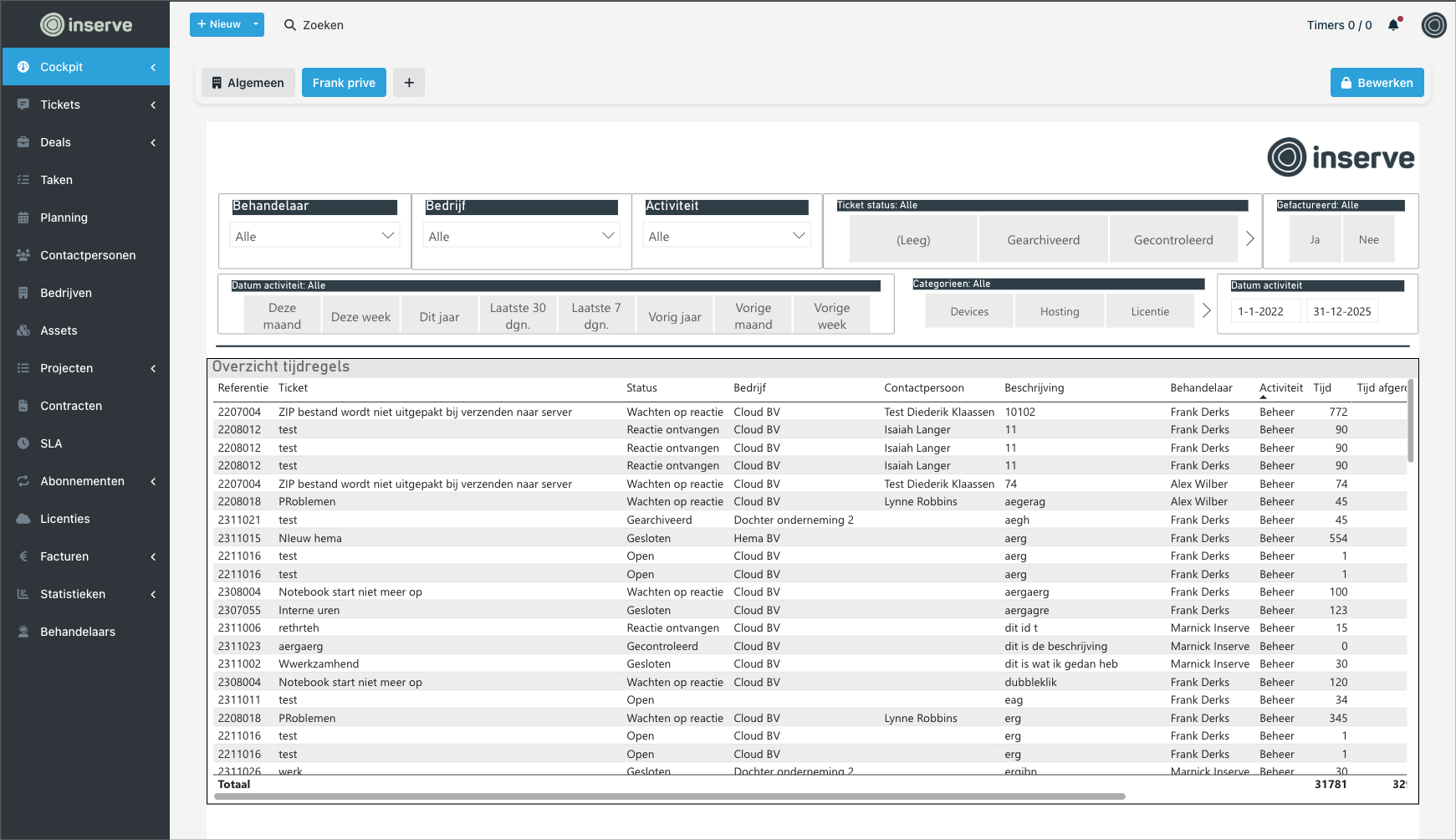
Load External Content in the Cockpit

Load external content in the cockpit

You can now add external sources to your dashboard. Think of reports, monitoring tools, or other tools you use frequently. This way everything is neatly in one place and you need to switch between screens less.

CleanShot 2025-08-18 at 11

Bugfixes

  • Text on the customer portal login page is displayed correctly again

  • Quotes now also show the total per stage for one-time costs

  • Emails via IMAP are now correctly truncated in all cases

  • Start time of time registration no longer incorrectly defaults to 00: 00

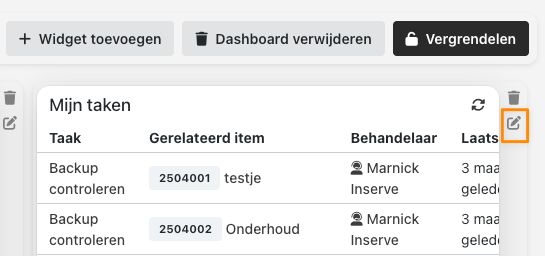
Cockpit Widgets Now Also Customizable!

Cockpit widgets now also customizable

CleanShot 2025-07-11 at 12

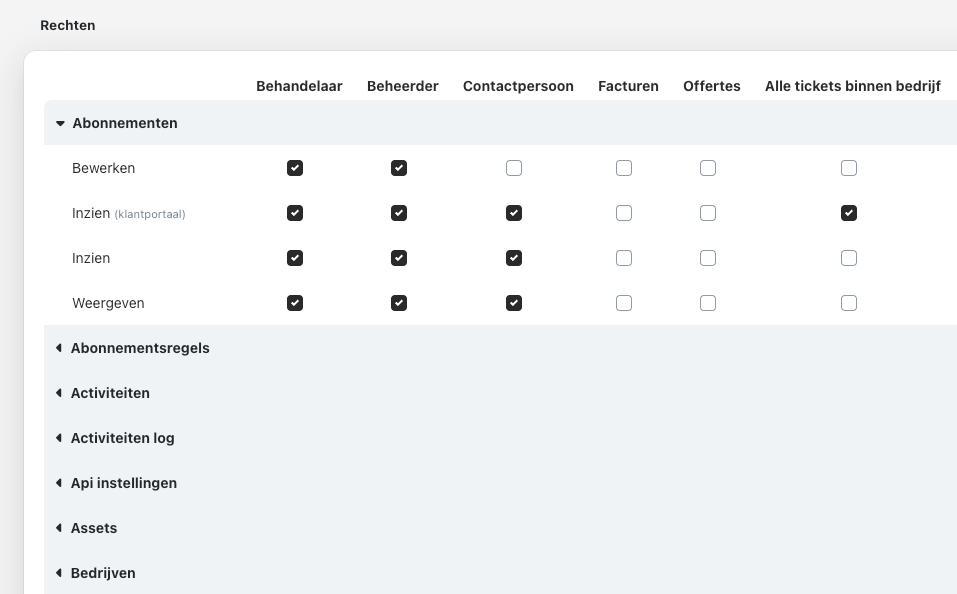
Permissions screen improved

The permissions screen is now organized into categories, translated, and internal technical permissions are now hidden.

CleanShot 2025-07-11 at 12

Time registration keyboard

The tab order and arrow key detection has been adjusted, making it easier to enter time without using your mouse!

And more...

  • Tags in quick reply project stage expanded

  • Invoice line CSV export added for customers who do not use a connected invoicing package

  • Ended subscription can be deleted

  • Some sync issues with TD Synnex resolved

  • ALSO licenses now show the end date

  • Time entry can no longer be added to an invoiced project line

  • 'Myself' ticket filter was not working correctly

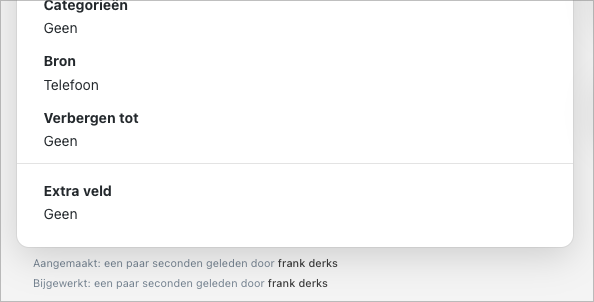
Update to "Hide Until" in Tickets

Tickets "Hide until" update

Hide until

  • When the status changes from 'Hidden' to another status, the 'Hide until' field is automatically cleared. This prevents a ticket from incorrectly jumping back to open status

  • The status history now shows when the 'Hide until' date was changed or removed, including date/time

CleanShot 2025-06-26 at 08

  • The 'Hidden' status can no longer be selected manually and is only set when a 'Hide until' date has been filled in

Other updates

  • Individuals from Moneybird are now synchronized with their name

  • VAT code is now sent to e-Boekhouden

  • Download invoices via the customer portal (e-Boekhouden)

  • Archived tickets can no longer be opened from the customer portal

  • Project stage titles are ignored when exporting to e-Boekhouden

  • Date selection in tasks of project stages works again

  • Improvements to cockpit widgets

  • Invoices in the customer portal now show a correct date (e-Boekhouden)

⬅ Previous 1 of 10 pages (100 product updates) Next ➡