Customer Portal
Your customers in control.
While you save time and avoid discussions.
While you save time and avoid discussions.
Customers can sign in with Single Sign-On using the MFA settings of the Microsoft tenant.
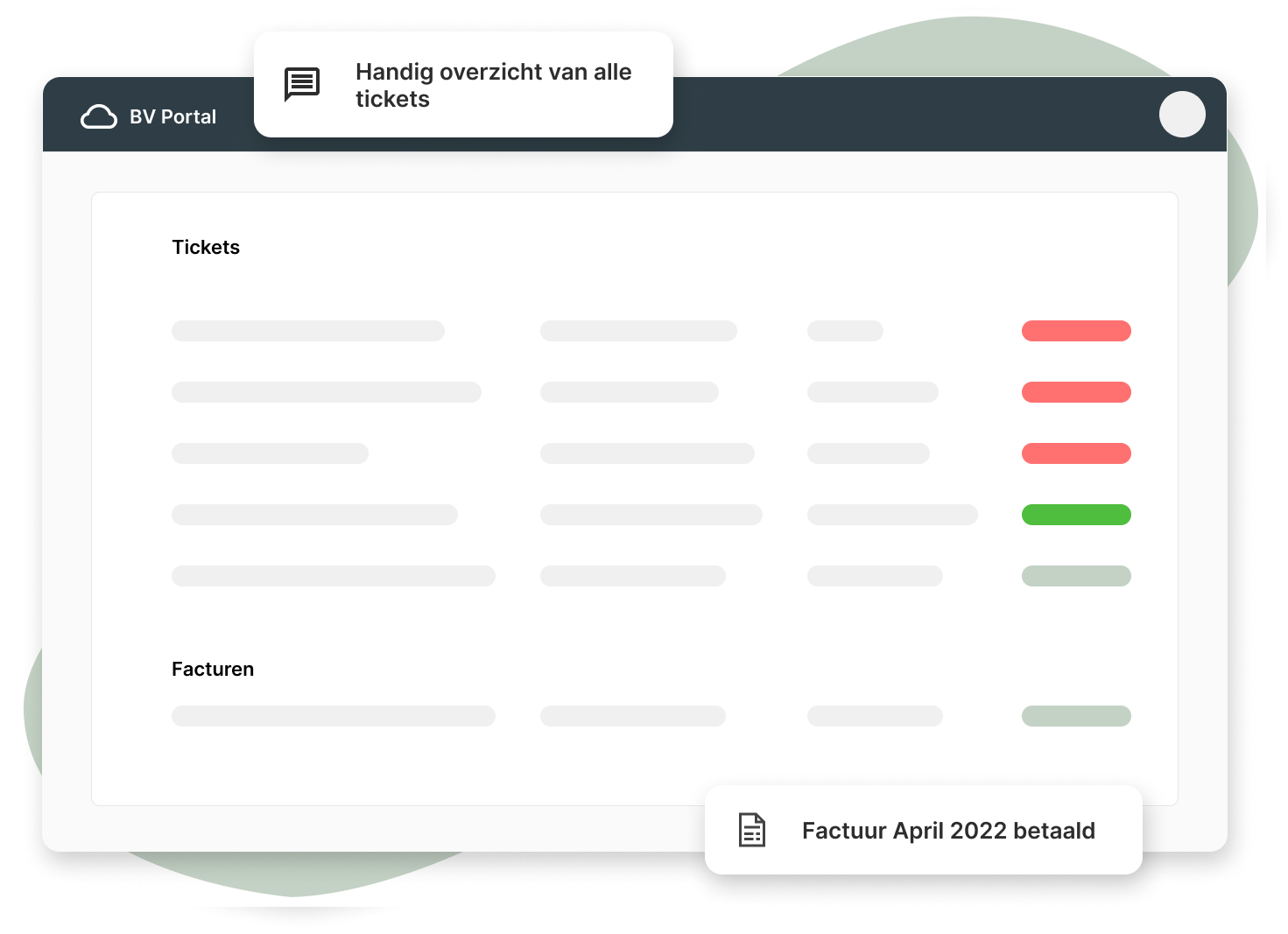
Customers can view ticket status and messages and reply directly.
Customers can submit their own tickets with optional required fields.
Provide insight into time and items within tickets.
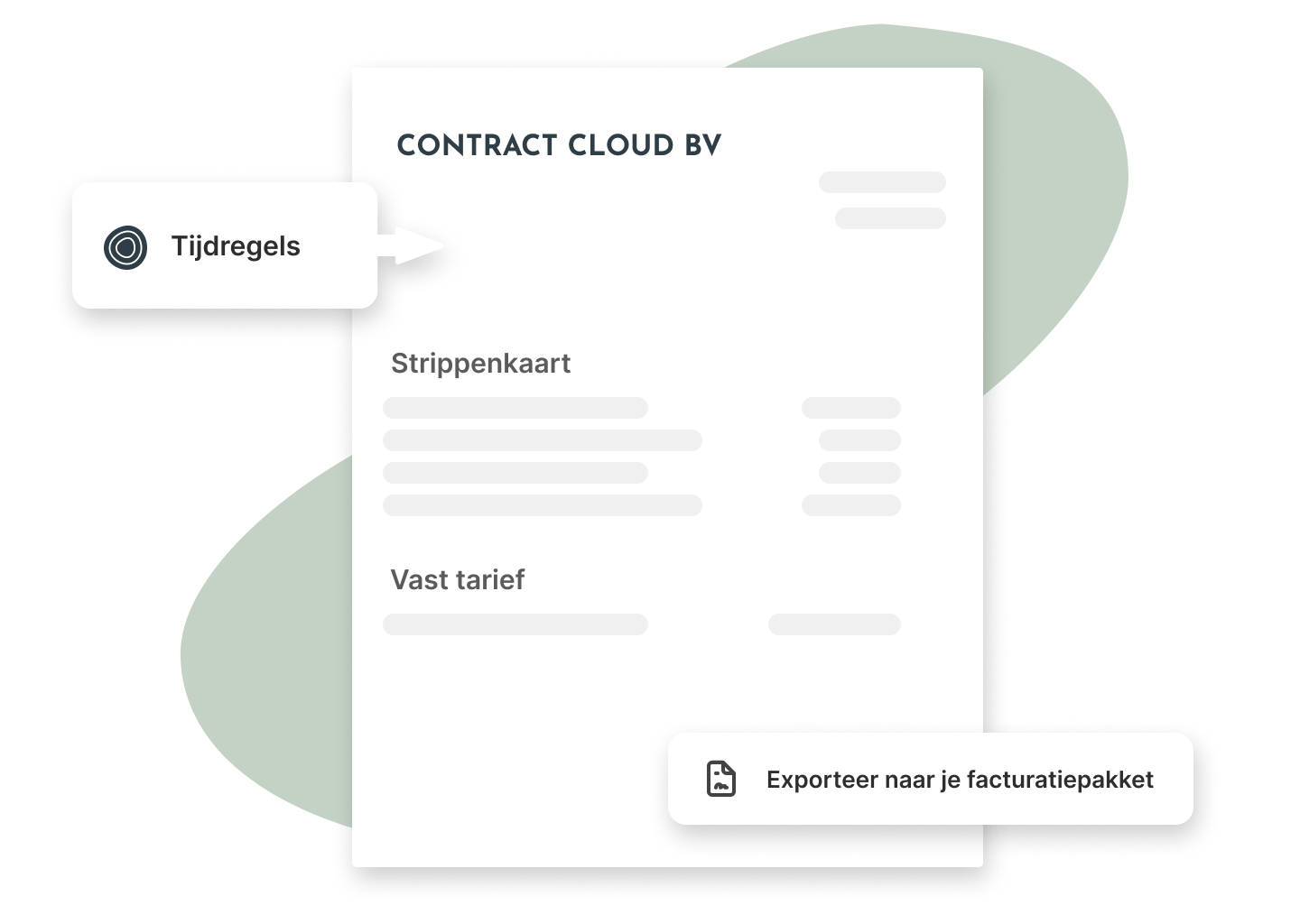
Show subscriptions and contracts so customers always know what's active.
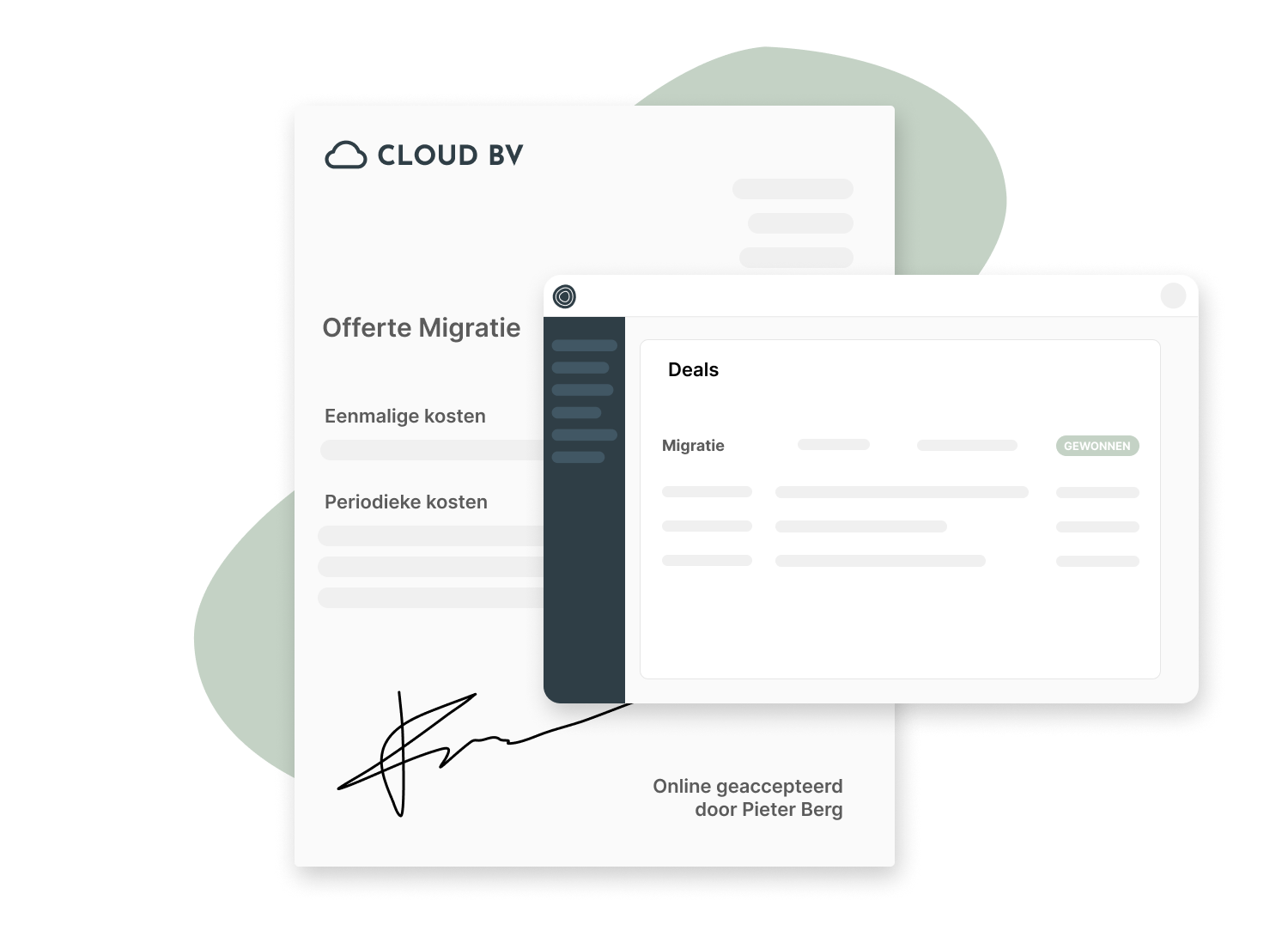
Show quotes from Inserve and invoices from the billing package.
Log in as the contact person to see exactly what the customer sees.
Set per contact person what they are and aren't allowed to see.


2 minutes and 33 seconds
We explain how it works and what you can do with it.
Have more questions?
Book a demo 🧑💻
Self-service portals are an essential tool for IT service providers. They give customers access to their own information and enable them to perform tasks themselves without calling a helpdesk. Customers increasingly expect control over tickets and contracts and demand faster service. A service portal is therefore indispensable for delivering great service and improving customer satisfaction. At Inserve, we support various IT service providers with smart IT services. In this article we explain the value and importance of a service portal.
A service portal is a web-based interface that gives customers access to their own information and enables them to perform tasks independently. For an IT service provider, this means customers get direct access to their tickets and can perform various actions. Self-service is increasingly becoming a key element for IT service providers to improve user experience and meet customer needs.
A service portal provides better accessibility and more transparency for customers. You can process notifications and keep customers well informed, even when you can't attend to them right away. A service portal offers the advantage that customers can view the description added to a ticket themselves. They can follow the status of a problem or ticket at any time via the portal and maintain their own overview.
Every IT department will find that customers and staff are even more satisfied when using a self-service portal. You can respond faster and more effectively to customer needs. Customers also appreciate being able to resolve simple tasks themselves, without having to wait for someone from the helpdesk. This not only saves time, but also results in a better user experience and ultimately satisfied customers.
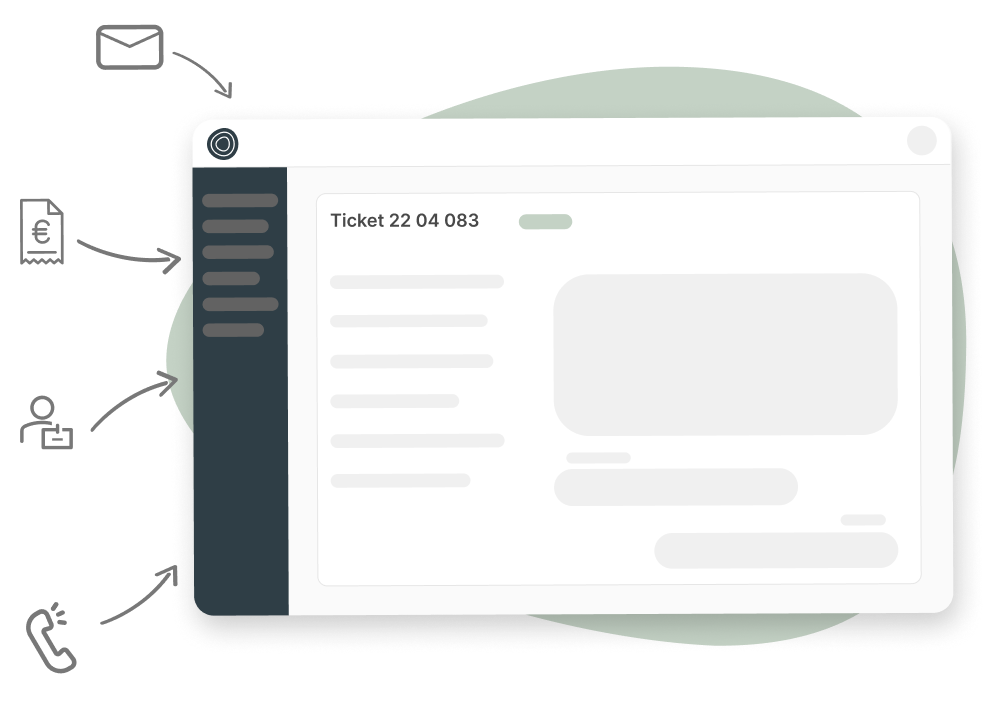
By providing great customer service, you as an IT service provider can help customers with questions or issues they experience with your product. There are various ways to assist customers, for example via email, chat, WhatsApp and phone. The advantage of Inserve is that you can manage all requests centrally in tickets. Whether a customer calls or sends an email, all requests are stored centrally. In addition, many integrations are possible and you can open every email within the system.
We strive to make the software as accessible as possible for all users of the system — whether that's your own company or a user who wants to view their tickets. All target groups should be able to work with the system effectively. Further in this article we explain more about all features and integrations.
By including relevant content about your service in the self-service portal, you encourage customers to find solutions themselves. When a knowledge base is available, customers can always turn to it for standard or frequently asked questions. You can also include a getting-started guide in your service portal to walk users through all steps of the software.
In addition to the knowledge base, your self-service portal can also provide detailed information about tickets. This includes:
Want to set up your own service portal? We have a few useful tips for you. For example, you can use the built-in knowledge base to make FAQs accessible. Below we outline a number of important steps you go through when setting up a self-service portal.
Establish a clear target audience for your self-service portal. Who will use the service portal? Are these internal or external customers, and what permissions will they have within the portal? By mapping out the target audience you can determine which information and features should be available in the self-service portal. Try to involve the target audience and the supplier in the setup of the self-service portal.
Map out how customers currently handle requests or issues, step by step. This allows you to improve existing processes and optimize them according to customer needs. Also try to automate as many recurring tasks as possible for a better user experience and higher customer satisfaction.
Based on the target audience, processes and workflows, you can start designing the self-service portal. This often begins with a wireframe in which you sketch what the pages of the website will look like. This helps you determine the layout, structure and organization of the content. The wireframe serves as a template during the setup of the portal.
Once the self-service portal is ready, it's important to test it thoroughly. Do this based on feedback from the target audience. This way you can assess whether the portal meets all criteria. Also keep in mind that you need to continuously update and improve the portal. At Inserve we regularly check with our customers and end users whether the system still meets all requirements. This ensures the system always stays up to date and that all features are fully aligned with the needs of IT service providers and their customers.
It's important to introduce the self-service portal properly so that end users can make good use of it. Especially when you're an IT service provider for large organizations, it's essential to ensure a good introduction. You could, for example, provide on-site training, or use communication tools such as posters, flyers, infographics, etc. By involving customers directly in the development and introduction of the service portal, you can better meet their needs and immediately respond to questions and suggestions.
Once the service portal is in use, you can measure whether the tool is actually being used and what added value it has for your customers. If your goal is for customers to create their own tickets, you can easily measure what percentage of tickets were self-created. Ask customers what they run into during the process and keep critically evaluating whether all information is found quickly.
At Inserve we offer service software for IT service providers. All features and integrations are fully tailored for excellent service delivery and an optimal user experience. Only in this way can you offer your customers the best possible service and stay ahead of the competition. Within our system, your customers can also view their own tickets via the self-service portal. This enables them to gain more control over the service they receive. Below we outline the capabilities of our service portal:
Via the self-service portal, customers can view their tickets and get a clear overview of all open and closed tickets. In practice we see that this gives customers great peace of mind, because they can see exactly what is currently being done to resolve all outstanding questions and issues. When customers have no visibility into your service, they're more likely to feel like nothing is happening. A service portal is therefore a great way to communicate transparently with your customers about the status of all tickets.
It's possible to create a custom subdomain per customer (for example: cloudbv.inportal.nl). This allows customers to easily access their tickets and check the status of an existing request. This also has a positive effect on your branding, as your service portal creates more transparency across all processes.
Within Inserve's service portal, your customers can pay their own invoices and approve quotes. This allows them to handle payments faster and more easily, without the involvement of one of your colleagues. This gives the customer an optimal user experience and saves you a great deal of time. Moreover, the customer gains a sense of control and independence, which is always appreciated. Customers increasingly expect this level of control and take it into account when choosing a suitable IT service provider.
It's possible to assign permissions per contact person within the system. For example, you can give someone the right to view tickets, but not to pay invoices or approve quotes. This allows you to fully tailor the system to the needs of every organization. For customers, it's very important to be able to set permissions for different colleagues and departments.
At Inserve we work hard every day on all the features and integrations within the system. Our experienced team ensures the system is always up to date with the latest technological developments, so you can offer the best experience to your customers. Our system is web-based, meaning you don't need to download any software and all updates are applied automatically. Below we explain more about the features and integrations within Inserve:
Via the shared inbox you can easily manage all communication with your customers. At a glance you can see which tickets have been created and who is working on them. The shared inbox makes it easier for everyone to keep track of the progress of requests and issues.
The ticketing software is the heart of our service portal. Here your staff and customers can create, view, edit and close tickets. The ticketing software provides an overview of all tickets and their status. You can easily filter by various criteria, such as customer, type of issue or date.
The CMDB (Configuration Management Database) is a very important part of our system. It gives you the ability to view all current assets per customer, such as laptops, websites or software. This allows you to respond more quickly to customer needs, for example when they want to scale up and hire new staff.
Invoicing is an important part of your administration. Inserve offers the ability to automatically generate invoices based on the work that has been done. This removes a lot of hassle and guarantees that invoices are always correct. You can also choose to send the invoice directly to your customer's email address.
Inserve offers a wide range of reports that can easily be used within Power BI. The visual display gives you an overview of the status and progress of all tickets and the response time per customer or ticket category. This allows you to make more targeted decisions about your processes and services based on the results from the reports. The reports give you insight into the status of all processes and enable you to implement targeted improvements.
Inserve offers the ability to integrate with other systems. Using an API, you can easily connect Inserve with your own systems and processes. There are various software systems we can connect with, such as 3CX, Exact, Gripp, HostFact, Simplicate and many more. Our goal is to automate as many recurring tasks as far as possible.
Want to streamline and improve your IT services? Request a free trial and experience the benefits of our system for yourself. There's no commitment and you get full access to all features and integrations. Our support team is always ready to tailor the system entirely to your service delivery. You can also request a no-obligation demo to experience what our system has to offer for your business.