Best servicedesk software for DSD
Finally PSA software that seamlessly integrates with DSD to run your IT service delivery.


Finally PSA software that seamlessly integrates with DSD to run your IT service delivery.
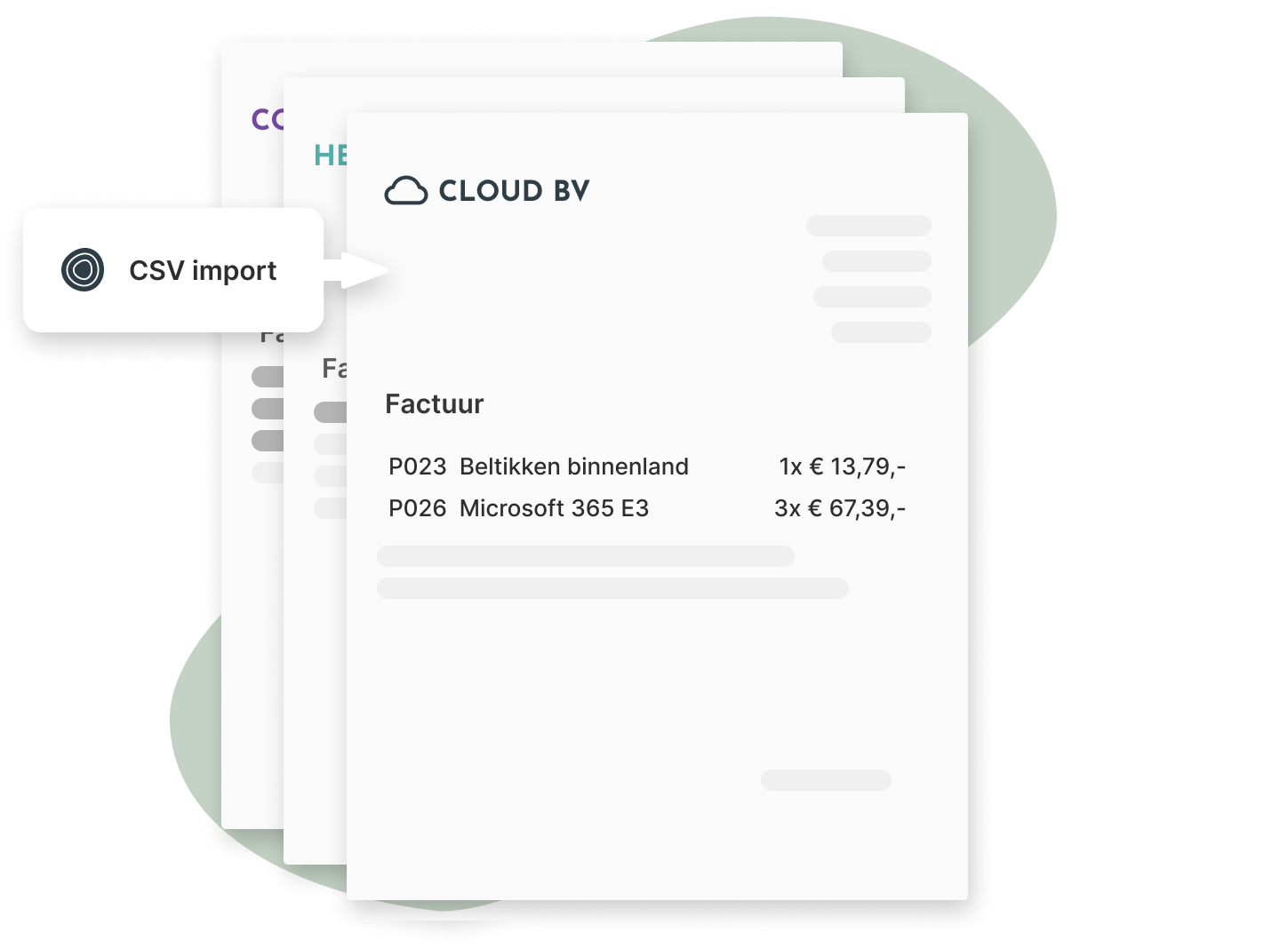
Import invoice lines from DSD into draft invoices in Inserve.
Download the CSV file from your supplier and upload it in Inserve.
Specify which columns contain the information. Save as a definition for later use.
The invoices can then be exported directly to your billing package per customer.

Document all agreements and workflows so your team can work even without you.
View features
More peace of mind
By documenting everything, your employees know exactly what to do and the business runs without you.
Better cash flow
Automate invoicing so it's no longer a chore you dread month after month.
Happy customers
With the self-service portal, your customers have control and insight into all their requests and invoice details.