Show Work Descriptions from a Project on the Draft Invoice
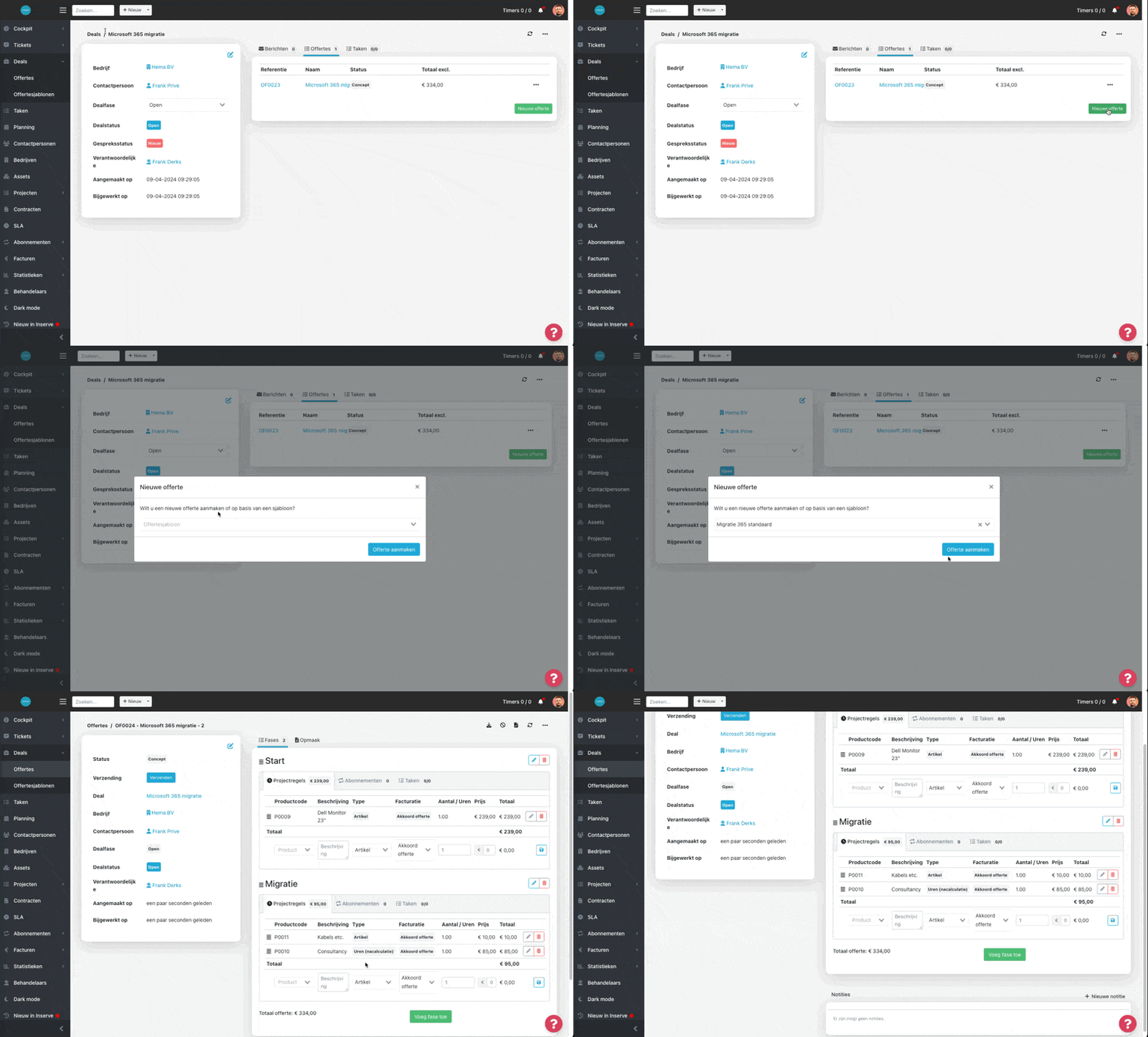
Show work descriptions from a project on the draft invoice
Give customers more insight into the work done in the project stage.
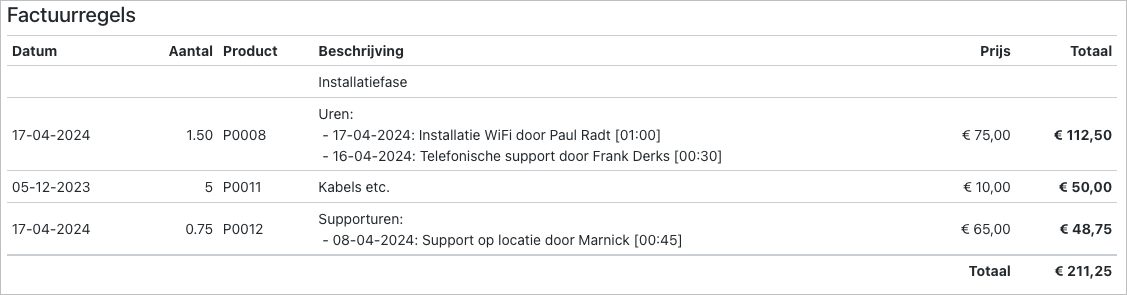
Read below how to configure this:
https://docs.inserve.nl/nl/article/projectregels
And here are the other updates:
[Feature] The general ledger account number of items from Teamleader is now synchronized and included when invoicing.
[Feature] A 'Contact person' column has been added to the new customer portal.
[Feature] Subscriptions can now be started in the future from a deal/project.
[Feature] Improvements have been made to subscription changes within a deal.
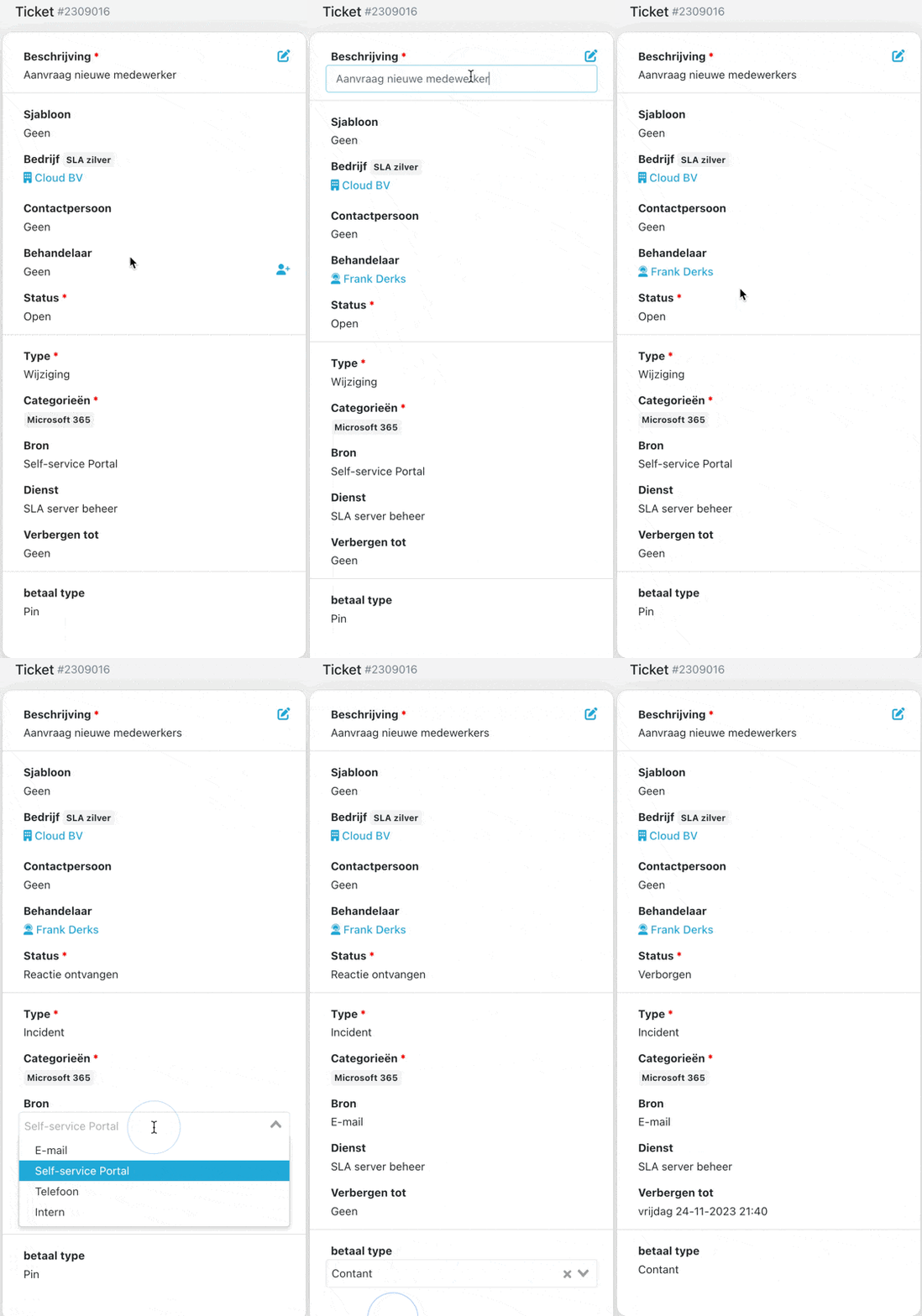
[Feature] The CC field in a ticket can now be configured as a quick-edit field.
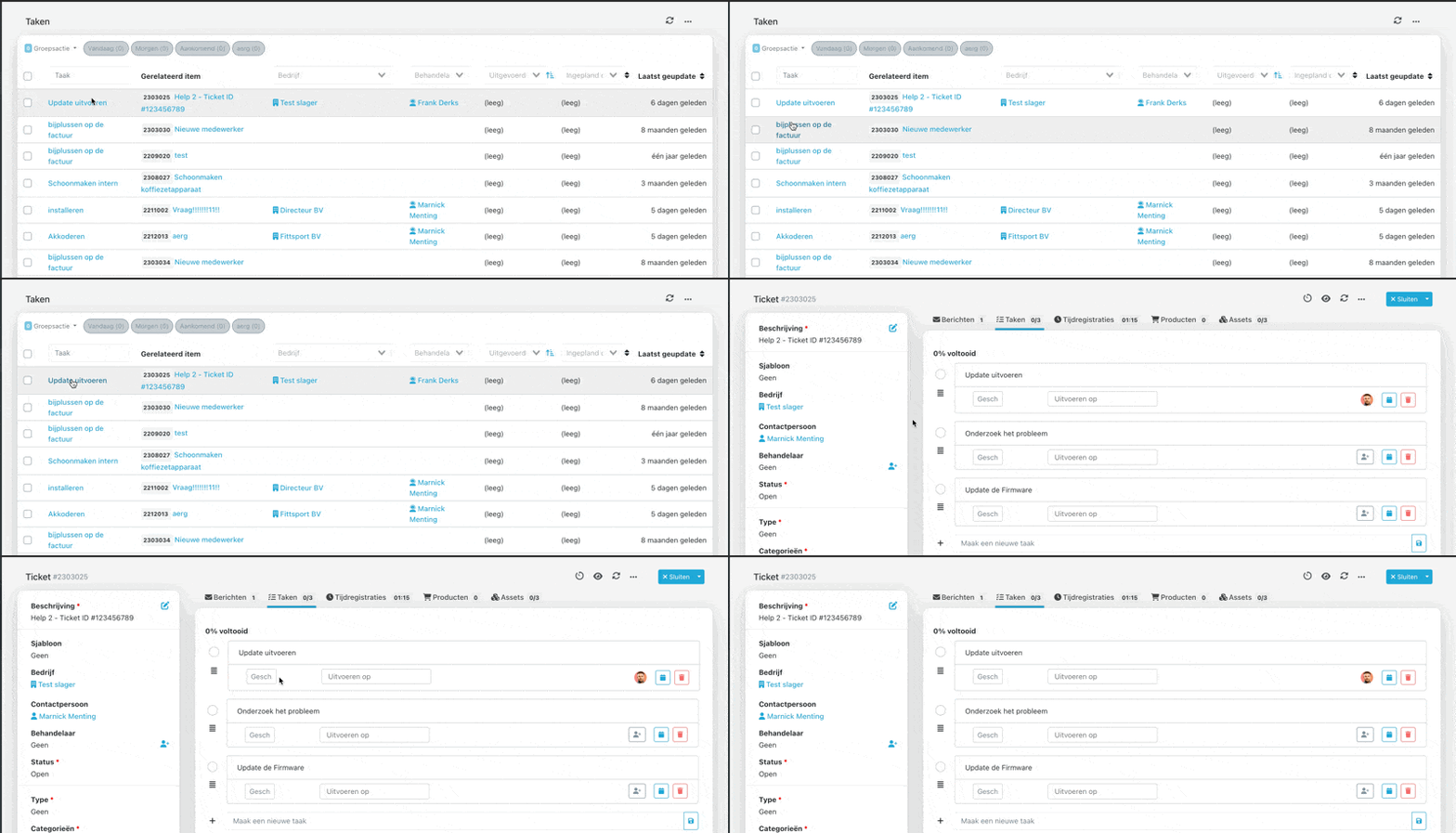
[Fix] The counts and quick filter for tasks now show the correct number again.
[Fix] It is now possible to filter on recurring ticket templates.
[Fix] A ticket closed notification is no longer sent to email addresses in the option: 'Do not send notifications to the following addresses'.
[Fix] Handlers now receive a notification when they are assigned to an existing ticket.
[Fix] The start date for a subscription can no longer accidentally be set to year 0.
[Fix] The company is now correctly assigned when automatically applying a template to a ticket.
[Fix] The activity log no longer shows an error when opening the page.
[Fix] The export of subscription lines no longer includes quote lines.
[Fix] Time entries placed directly on a contract via a ticket template are now correctly displayed on the invoice.
[Fix] It is no longer possible to add time when a project line has been invoiced.
[Security] Password requirements have been tightened when using Inserve authentication.